Novi Survey Home
|
Adding or editing a template
|   |
To start adding or editing a template, follow the steps below:
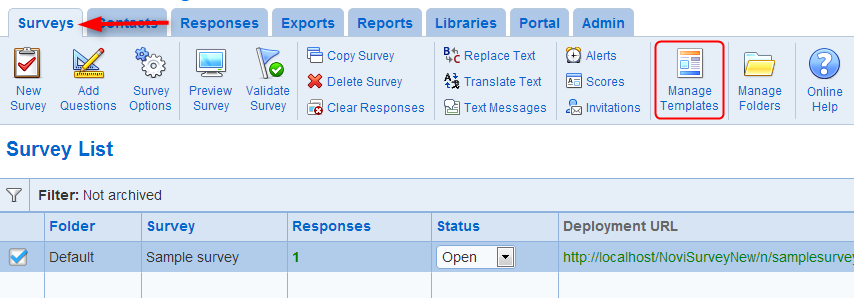
Use tool Manage Templates in the ribbon menu for surveys.
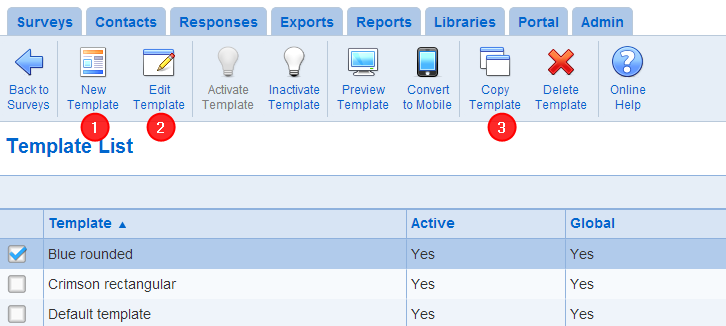
- New Template: Create a new templates. You must have Survey creator role (see also User privileges) to create a new template. Note that it is generally recommended to make a copy of an existing template and modify the copy rather than starting a new blank template.
- Edit Template: Modifies the template currently selected. To edit a template, you must be an owner of the template.
- Copy Template: Creates a copy of the template currently selected. The copy can be edited using tool Edit Template.