Novi Survey Home
|
Report section list
|   |
The report section list shows the sections in a multi-section report. If the report is not setup for multiple sections, the tools for managing section (Add Section, Edit Section, Delete Section) are not available.
For help on the section information shown below the table of sections when a section is selected, see Report section detail.
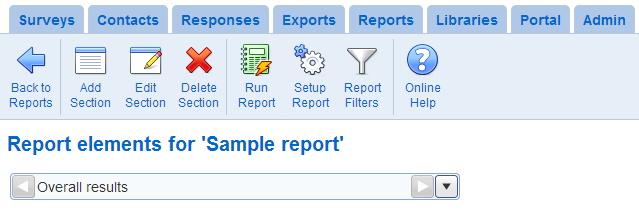
- Add Section: Creates a new section for the report
- Edit Section: Modifies the section currently selected
- Delete Section: Deletes the section currently selected. All the report elements in the section will be delete. The deletion cannot be reversed.
- Run Report: Executes the report for the data currently available for the surveys in the report. All sections will be included in the report.
- Setup Report: Navigates to the report setup screen.
- Report Filters: Defines response filters that apply to all the element in the reports. See Response filters.