Novi Survey Home
|
Folder list
|   |
Folders are used to organize surveys.
To access the Folders list, click on the Manage Folders tool in the Surveys tab in the ribbon menu

Each survey belongs to one folder. The folder for a survey is specified in the Survey options - Main tab screen.
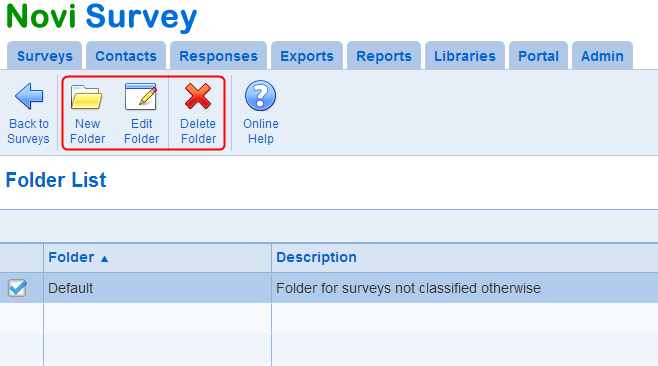
The folders list shows all the folders in the current organization. The name for the folder is used to identify the folder in other screens in the system. The folder description is shown only in the folder list screen.
To create, edit, or delete folders, use the tools in the ribbon menu. Users must have the survey creator role to manage folders.